How to Stay Productive Working from Home: A Practical Guide
Proven strategies for remote workers to maintain focus, avoid burnout, and produce their best work from home. Based on research and real experience.
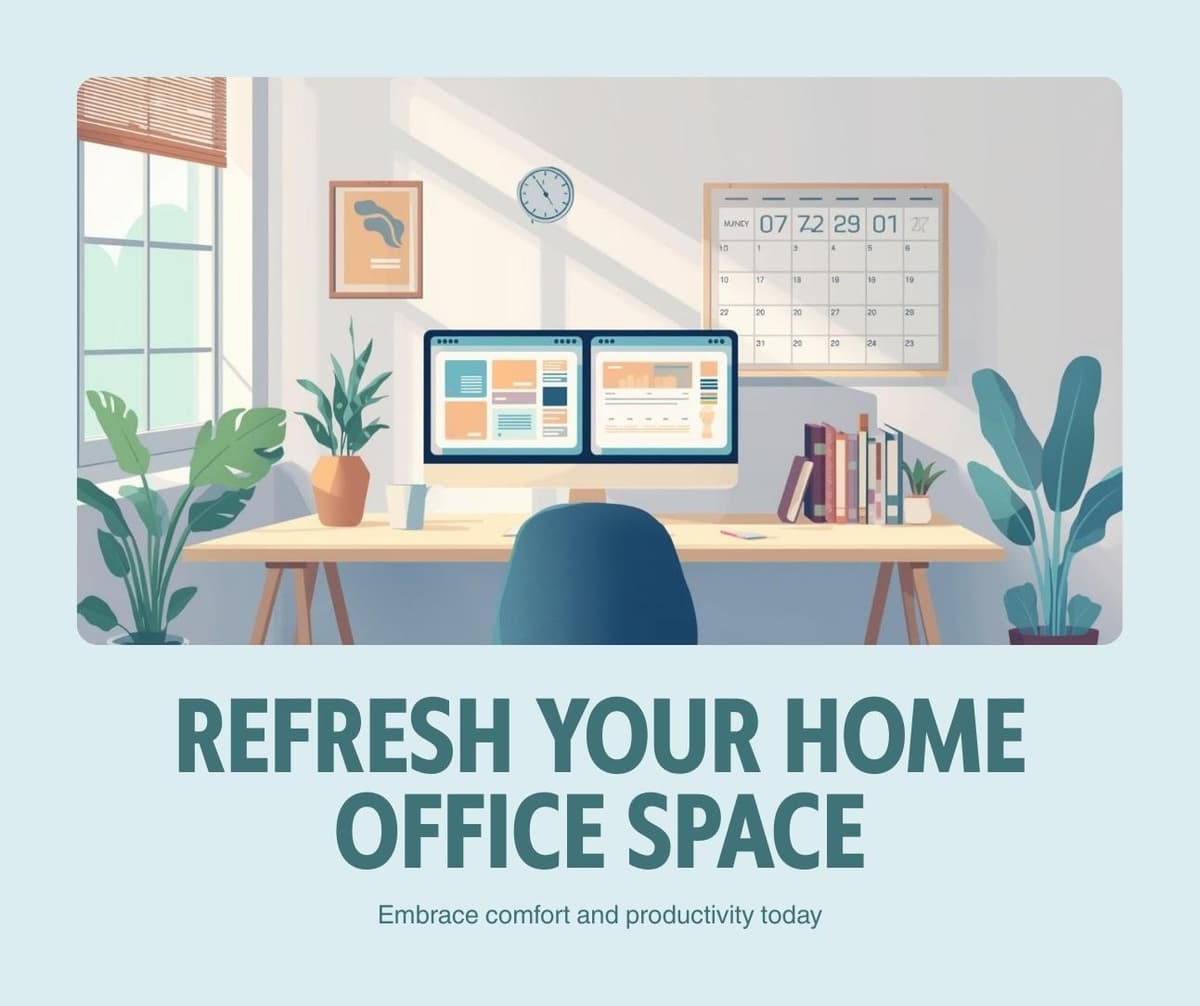
The most effective remote workers follow three core principles: they create physical boundaries between work and personal space, they maintain a consistent daily schedule, and they proactively communicate with their team. These principles matter more than any specific app or technique.
Remote work offers extraordinary flexibility, but that flexibility creates unique challenges. Without the structure of a commute, office environment, and coworker presence, maintaining consistent productivity requires intentional habits that most people never develop.
After analyzing remote work research and interviewing dozens of successful remote professionals, we identified the strategies that consistently separate high performers from those who struggle.
Create a Dedicated Workspace
Your brain associates environments with activities. If you work from your couch, your brain associates that space with both work and relaxation, making it harder to focus during work hours and harder to relax during off hours.
Designate a specific area exclusively for work. This does not require a separate room. A dedicated desk in a corner, a specific seat at the dining table, or even a particular coffee shop table can serve as your workspace. The key is consistency. When you sit in that spot, you work. When you leave it, you stop.
If space is limited, use environmental cues to signal work mode. Put on specific headphones, turn on a desk lamp, or place a particular item on your desk. These rituals train your brain to shift into work mode regardless of the physical space.
Build a Morning Launch Sequence
The first thirty minutes of your workday determine the quality of the next eight hours. Create a repeatable sequence that transitions you from personal mode to work mode.
A practical launch sequence looks like this. Review your calendar for the day. Process your inbox to identify urgent items. Check your task list and confirm your top three priorities. Block the first ninety minutes for your most important task. This entire process takes ten to fifteen minutes and eliminates the unproductive drift that plagues most remote workers in the morning.
Use Time Blocking Religiously
Time blocking means assigning every hour of your workday to a specific activity. Without time blocks, remote workers tend to bounce between tasks, respond to messages reactively, and end the day feeling busy but unproductive.
Block your deep work hours in the morning when cognitive energy is highest. Schedule meetings in the afternoon when creative energy naturally declines. Protect at least one two-hour block every day for focused, uninterrupted work on your most important project. Learn more about this technique in our deep work guide.
Communicate Proactively
Remote teams suffer when communication becomes reactive. Instead of waiting for people to ask for updates, send brief status messages at predictable intervals. A thirty-second message at the end of each day summarizing what you accomplished and what you plan to tackle tomorrow builds trust and eliminates unnecessary check-in meetings.
Set clear response time expectations with your team. Not every message requires an immediate reply. Establish norms like responding to direct messages within two hours and email within twenty-four hours. This prevents the anxiety of feeling constantly on call.
Take Real Breaks
Working from home makes it tempting to work through lunch and skip breaks. This approach backfires within days. Cognitive research consistently shows that brief breaks every sixty to ninety minutes restore focus and prevent the mental fatigue that causes afternoon productivity crashes.
Step away from your screen. Go outside for five minutes. Make coffee without checking your phone. These micro-recoveries are not lost work time. They are investments in sustained performance throughout the day.
Set Hard Boundaries for the End of Day
The biggest risk of remote work is not low productivity but overwork. Without a commute to signal the end of the workday, many remote workers gradually extend their hours, leading to burnout.
Choose a specific time to stop working and honor it consistently. Close your laptop, leave your workspace, and do not check work messages until the next morning. If your work crosses time zones and requires occasional off-hours availability, limit it to specific days and communicate those boundaries clearly.
Handle Distractions Systematically
Home distractions are different from office distractions but equally disruptive. Family members, household chores, deliveries, and personal errands all compete for attention during work hours.
Address distractions proactively rather than reactively. Communicate your work schedule to household members. Handle personal tasks during designated breaks rather than sporadically throughout the day. Use noise-canceling headphones if ambient noise is an issue.
Prevent Isolation
Remote work can feel isolating, especially for extroverts who gain energy from social interaction. Schedule regular video calls with colleagues that include a few minutes of non-work conversation. Join online communities related to your profession. Consider working from a coffee shop or coworking space one to two days per week for a change of environment.
The Remote Worker's Daily Template
This template works for most remote professionals. Adjust the specific times to match your schedule and energy patterns.
Start with a fifteen-minute launch sequence to plan your day. Block ninety minutes for deep work on your top priority. Take a ten-minute break. Handle communications and meetings for two hours. Take a real lunch break away from your desk. Block another ninety-minute deep work session. Process remaining emails and plan tomorrow. End the workday at a consistent time.
Frequently Asked Questions
How do I prove I am productive when working remotely?
Focus on output rather than hours. Track completed tasks, projects delivered, and goals achieved. Share regular updates proactively. Managers who see consistent results rarely question remote productivity. The right productivity apps can help you track and demonstrate your output effectively.
How do I handle loneliness when working from home?
Schedule at least two to three social interactions per week outside your household. This can be coworking sessions, video coffee chats, local meetups, or simply working from a public space where other people are present.
What is the best home office setup on a budget?
Invest in a good chair first since it directly affects your health and focus. A second monitor significantly improves productivity for most knowledge workers. Everything else, like a standing desk, ring light, or premium webcam, is optional and can be added later.
Related Articles
5 Time Management Methods That Actually Work (Tested for 2026)
February 6, 2026
How to Focus and Do Deep Work in a World of Distractions
February 6, 2026
The 8 Best Productivity Apps That Actually Work in 2026
February 1, 2026
How to Build a Productive Morning Routine Using AI Tools
January 31, 2026