Best Free Website Builders in 2026: No Coding Required
Build a professional website for free. We compare the top website builders on ease of use, design quality, features, and limitations of free plans.
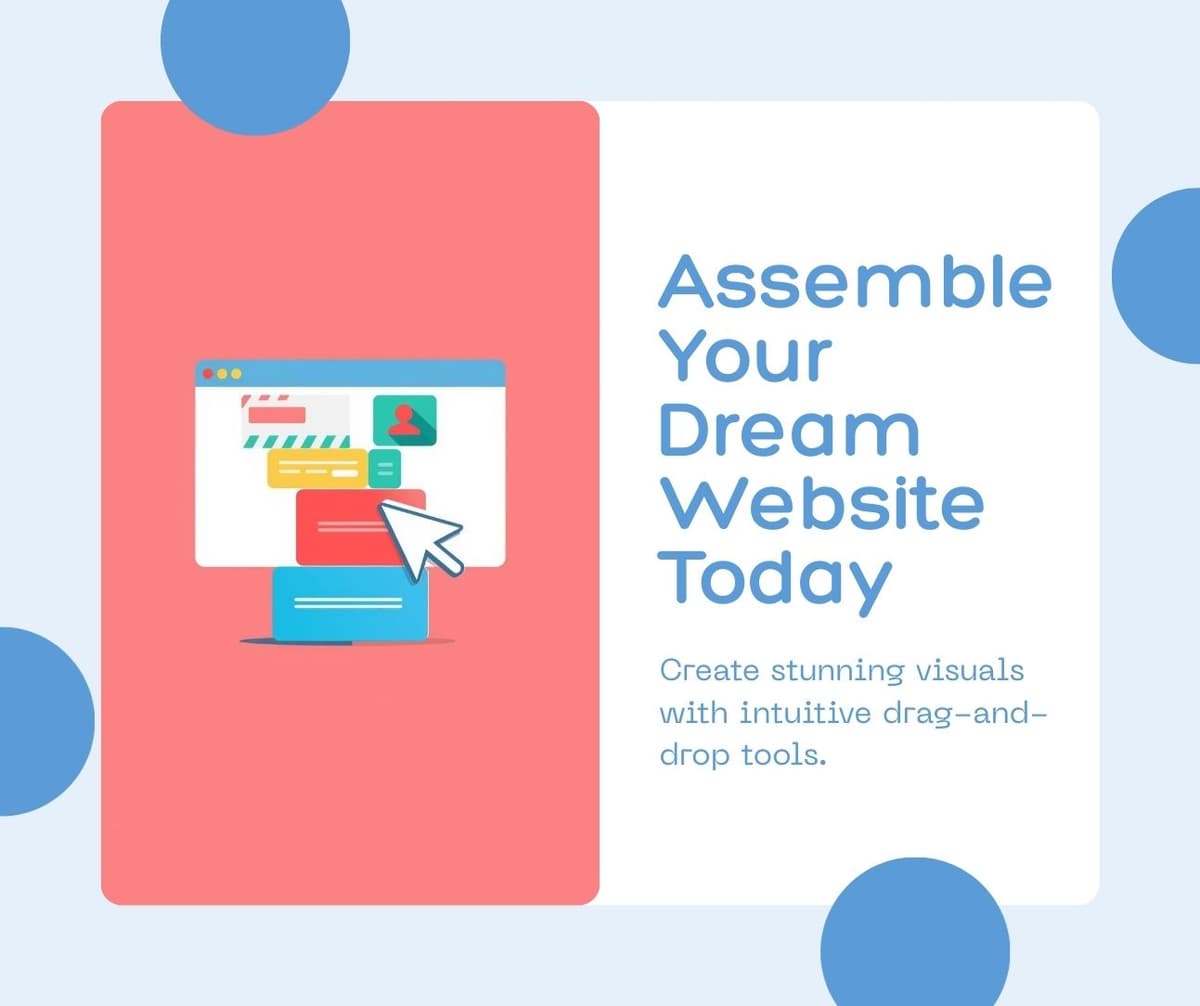
The best free website builders in 2026 are WordPress.com for blogging and content sites, Wix for design flexibility, Carrd for single-page sites, Google Sites for simplicity, and Webflow for design professionals who want code-level control without writing code. Each excels in a different use case.
Building a website no longer requires technical knowledge or a budget. Free website builders have evolved to the point where you can create professional-looking sites that rival custom-designed pages. The trade-off is usually a platform subdomain, limited storage, and occasional platform branding on free plans.
Once your website is live, you'll need to optimize it for search engines. Check our guide on free AI SEO tools to improve your rankings without expensive subscriptions.
WordPress.com Free
WordPress powers over forty percent of all websites on the internet. The free plan on WordPress.com includes a subdomain, three gigabytes of storage, dozens of themes, and access to the block editor that makes page building intuitive.
WordPress excels for blogs, content-heavy sites, and any project where long-term growth matters. If you outgrow the free plan, WordPress has the largest ecosystem of themes, plugins, and hosting options of any platform. Starting with WordPress means you never hit a ceiling on what your site can become.
The free plan displays WordPress.com ads on your site. Removing ads requires the Personal plan at four dollars per month, which also adds a custom domain.
If you plan to monetize your site with your own ads or sell products eventually, starting with WordPress gives you the most upgrade paths. Other platforms may require rebuilding your entire site when you need advanced features.
Wix Free
Wix offers the most design flexibility among free website builders. The drag-and-drop editor lets you place elements anywhere on the page with pixel-level precision. Over eight hundred templates provide professional starting points for virtually any type of website.
The AI website builder feature is particularly impressive. Describe your business and desired style, and Wix generates a complete website with relevant content, images, and layout suggestions. You can then customize every element to match your vision.
The free plan includes five hundred megabytes of storage, five hundred megabytes of bandwidth, and displays Wix branding. The Combo plan at sixteen dollars per month removes branding, adds a custom domain, and increases storage significantly.
Carrd
Carrd is the best option for single-page websites, landing pages, and personal profiles. The interface is exceptionally simple. Choose a template, customize the content, and publish. The entire process takes under fifteen minutes.
The free plan allows three sites with a carrd.co subdomain. For freelancers, personal brands, and link-in-bio pages, Carrd delivers a polished result with minimal effort. The Pro plan at nineteen dollars per year adds custom domains, forms, and additional sites.
Google Sites
Google Sites is the simplest website builder available. If you have a Google account, you can create a website in minutes with zero learning curve. The editor is basic compared to Wix or WordPress but produces clean, mobile-responsive pages.
Google Sites is ideal for internal team pages, event websites, simple portfolios, and any situation where speed matters more than design customization. It is completely free with no ads, no branding, and unlimited storage through Google Drive integration.
Webflow Free
Webflow bridges the gap between visual website builders and custom development. It generates clean, semantic HTML and CSS from a visual editor, giving you professional-grade code without writing it yourself.
The learning curve is steeper than other builders, but the results are dramatically better for design-focused projects. Webflow sites look and perform like custom-coded websites because they essentially are custom-coded websites built through a visual interface.
The free plan includes two projects with webflow.io subdomains. The Basic plan at fourteen dollars per month adds a custom domain and CMS capabilities.
How to Choose the Right Builder
Choose WordPress if you plan to grow the site long-term, need blogging capabilities, or want maximum flexibility for future features. Choose Wix if design quality and visual customization are your top priorities. Choose Carrd if you need a simple one-page site quickly. Choose Google Sites if simplicity and speed matter most. Choose Webflow if you have design skills and want professional-grade output.
Frequently Asked Questions
Can I use a free website builder for a business?
Yes, but with limitations. Free plans typically display the platform's branding, use a subdomain instead of a custom domain, and lack e-commerce features. For a professional business presence, expect to upgrade to a paid plan, which typically costs eight to twenty dollars per month.
Will free websites rank on Google?
Yes. Google indexes and ranks free websites the same as paid ones. However, a custom domain generally performs better in search results than a subdomain. Fast loading speed, quality content, and mobile responsiveness matter more than the platform you use.
Need help creating meta tags for your new website? Use our free Meta Tags Generator to build perfect SEO tags in seconds.
Can I switch website builders later?
Switching platforms usually requires rebuilding your site because each builder uses proprietary technology. WordPress is the exception since you can export your content and move to any WordPress host. Choose your platform carefully, especially if you plan to invest significant time in content creation.
Do I own my content on free website builders?
You own your content, but the platform controls the infrastructure. If the platform changes its policies, raises prices, or shuts down, you may need to migrate quickly. Regularly export backups of your content regardless of which platform you use.
Related Articles
Best Free Project Management Tools Compared: 2026 Edition
February 6, 2026
5 Best AI Tools for Small Business Owners in 2026
February 5, 2026

5 Best Free VPN Services in 2026: Tested for Speed and Privacy
January 20, 2026

Best Password Managers in 2026: Free and Paid Options Compared
January 16, 2026