5 Best AI Tools for Small Business Owners in 2026
Discover the top AI tools that help small business owners save time, cut costs, and grow faster. Tested and reviewed for real-world business use.
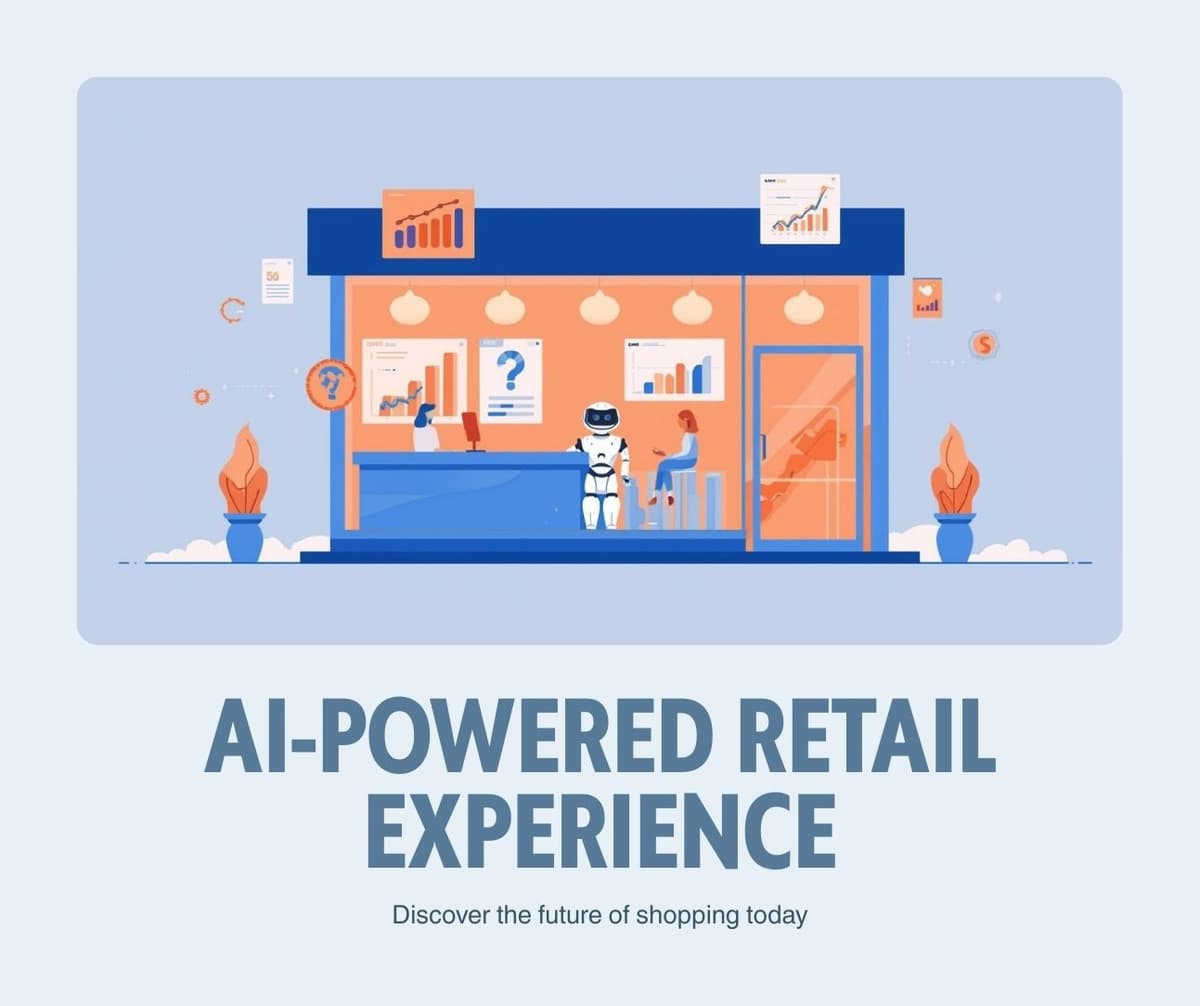
The best AI tools for small business owners in 2026 are ChatGPT for content and customer communication, QuickBooks AI for accounting automation, Canva AI for design, Grammarly for professional writing, and Zapier for workflow automation. Each tool offers a free tier that delivers real value without requiring a subscription.
Running a small business means wearing many hats. You handle marketing, finances, customer service, and operations, often with a limited budget and no dedicated team. AI tools have matured to the point where they can genuinely reduce your workload by ten to fifteen hours per week, and most of the best options cost nothing to start using.
We tested over thirty AI tools across five core business functions and narrowed the list to five that deliver the highest impact for the lowest investment of time and money.
For a deeper dive into email marketing platforms specifically, see our detailed comparison of the best AI email marketing tools.
1. ChatGPT for Content and Customer Communication
ChatGPT remains the most versatile AI assistant available for small business owners. The free tier provides access to GPT-4o mini, which handles the majority of business writing tasks with professional quality.
Practical business uses include drafting customer emails, writing product descriptions for your website, creating social media posts in bulk, generating FAQ responses for your support page, and brainstorming marketing campaign ideas. The key to getting good results is providing specific context about your business, audience, and tone.
For example, instead of asking ChatGPT to write a marketing email, tell it your business type, target customer, the specific offer, and the desired tone. The output quality improves dramatically with detailed instructions.
The free tier is generous enough for most small businesses. If you find yourself hitting usage limits during peak hours, the Plus subscription at twenty dollars per month removes those restrictions and adds access to the more powerful GPT-4o model.
2. QuickBooks AI for Accounting Automation
QuickBooks has integrated AI features that automate the most tedious parts of small business accounting. The system automatically categorizes transactions, matches receipts to expenses, generates cash flow forecasts, and flags unusual spending patterns.
The AI-powered receipt scanning feature alone saves hours each month. Take a photo of any receipt with your phone, and QuickBooks extracts the vendor, amount, date, and category automatically. It learns your categorization preferences over time, becoming more accurate the longer you use it.
Cash flow forecasting is another standout feature. The AI analyzes your historical income and expenses to predict your cash position for the next thirty, sixty, and ninety days. This helps you make informed decisions about inventory purchases, hiring, and marketing spend.
QuickBooks starts at thirty dollars per month, but the time savings easily justify the cost for any business processing more than fifty transactions monthly.
3. Canva AI for Design Without a Designer
Canva has transformed from a simple design tool into an AI-powered creative suite that enables anyone to produce professional marketing materials. The Magic Studio features include text-to-image generation, background removal, design suggestions, and automatic resizing for different platforms.
Small business owners use Canva AI to create social media graphics, email headers, product mockups, business cards, presentation decks, and even short marketing videos. The brand kit feature ensures all your designs maintain consistent colors, fonts, and logo placement.
The free tier includes access to Magic Write for generating text within designs and a limited number of Magic Studio uses per month. For businesses that create content regularly, the Pro plan at thirteen dollars per month provides unlimited access to all AI features and a massive library of premium templates and stock photos.
4. Grammarly for Professional Communication
Every email, proposal, and social media post your business sends reflects your brand. Grammarly uses AI to ensure your written communication is clear, professional, and error-free. Beyond basic spell checking, it analyzes tone, suggests better word choices, and flags sentences that might confuse your reader.
The business features include a style guide that ensures all team members write in a consistent brand voice, even if you are a team of one. You can set preferences for formality level, audience type, and communication goals.
Grammarly works everywhere you write, including email clients, web browsers, Google Docs, and social media platforms. This means you get real-time writing assistance without changing your workflow.
The free version catches grammar and spelling errors. The Premium plan at twelve dollars per month adds tone detection, word choice suggestions, and plagiarism checking, which is valuable if you publish blog content.
5. Zapier for Workflow Automation
Zapier connects your business tools and automates repetitive tasks without requiring any technical knowledge. The AI features now include the ability to describe a workflow in plain English, and Zapier builds the automation for you.
Common small business automations include sending a welcome email when someone fills out your contact form, adding new customers to your email marketing list automatically, posting to social media when you publish a new blog post, creating an invoice when a project is marked complete, and sending a Slack notification when you receive a payment.
Need to create professional invoices quickly? Try our free Invoice Generator that requires no sign-up and exports to PDF.
The free plan includes one hundred tasks per month with single-step automations. For most small businesses starting with automation, this is sufficient. The Starter plan at twenty dollars per month adds multi-step workflows and increases the task limit.
How to Choose the Right Tools for Your Business
Start with the area that consumes the most time in your workday. If you spend hours on email and content creation, begin with ChatGPT and Grammarly. If bookkeeping is your bottleneck, start with QuickBooks AI. If marketing materials are taking too long, start with Canva.
The key principle is to adopt one tool at a time. Learn it thoroughly before adding another. Trying to implement five new tools simultaneously usually results in none of them being used effectively.
Want to manage projects more effectively as your business grows? Explore our comparison of the best project management tools for teams of all sizes.
Frequently Asked Questions
Are these AI tools safe for handling business data?
All five tools listed here use enterprise-grade security and encryption. However, avoid sharing sensitive financial data like bank account numbers or social security numbers with any AI chatbot. Use dedicated accounting software for financial data.
How much do these AI tools cost in total?
Using the free tiers of all five tools costs zero dollars. If you upgrade to paid plans for maximum features, the total is approximately ninety-five dollars per month, which is significantly less than hiring even a part-time assistant.
Can AI tools replace employees?
AI tools are best used to augment your capabilities, not replace human judgment. They handle repetitive tasks so you can focus on strategy, relationships, and creative decisions that require human insight.
How long does it take to see results from using AI tools?
Most business owners report noticeable time savings within the first week of consistent use. The productivity gains compound over time as you learn to write better prompts and build automated workflows.
Related Articles
Best AI Email Marketing Tools to Grow Your List in 2026
February 6, 2026

7 Free AI SEO Tools That Actually Improve Your Rankings
February 6, 2026
7 Best Free AI Writing Tools in 2026: Tested and Ranked
February 6, 2026
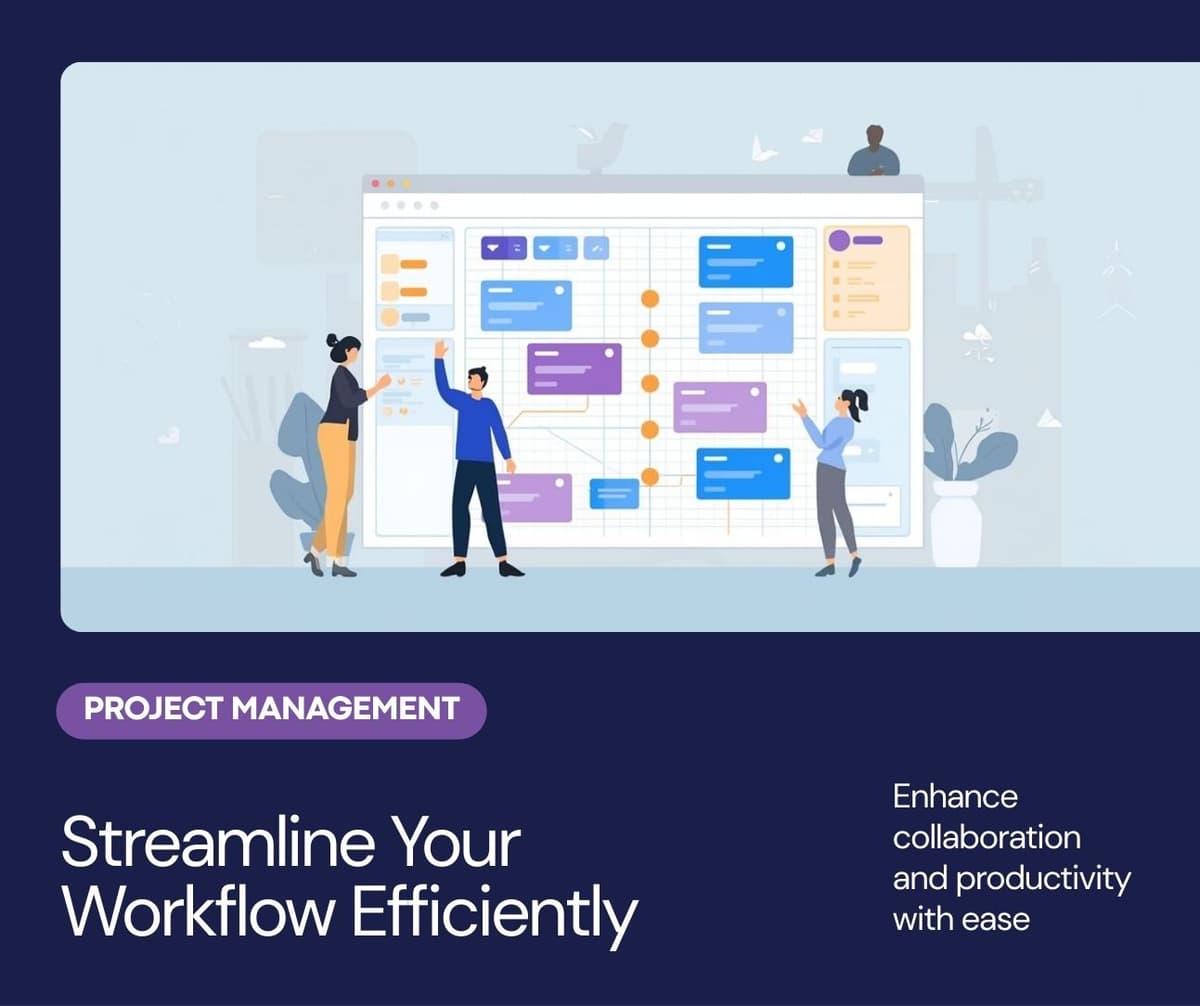
Best Free Project Management Tools Compared: 2026 Edition
February 6, 2026