10 Ways to Use AI to Save 10 Hours Every Week
Practical, tested methods to automate repetitive tasks with AI tools. Save over 10 hours weekly without learning to code or buying expensive software.
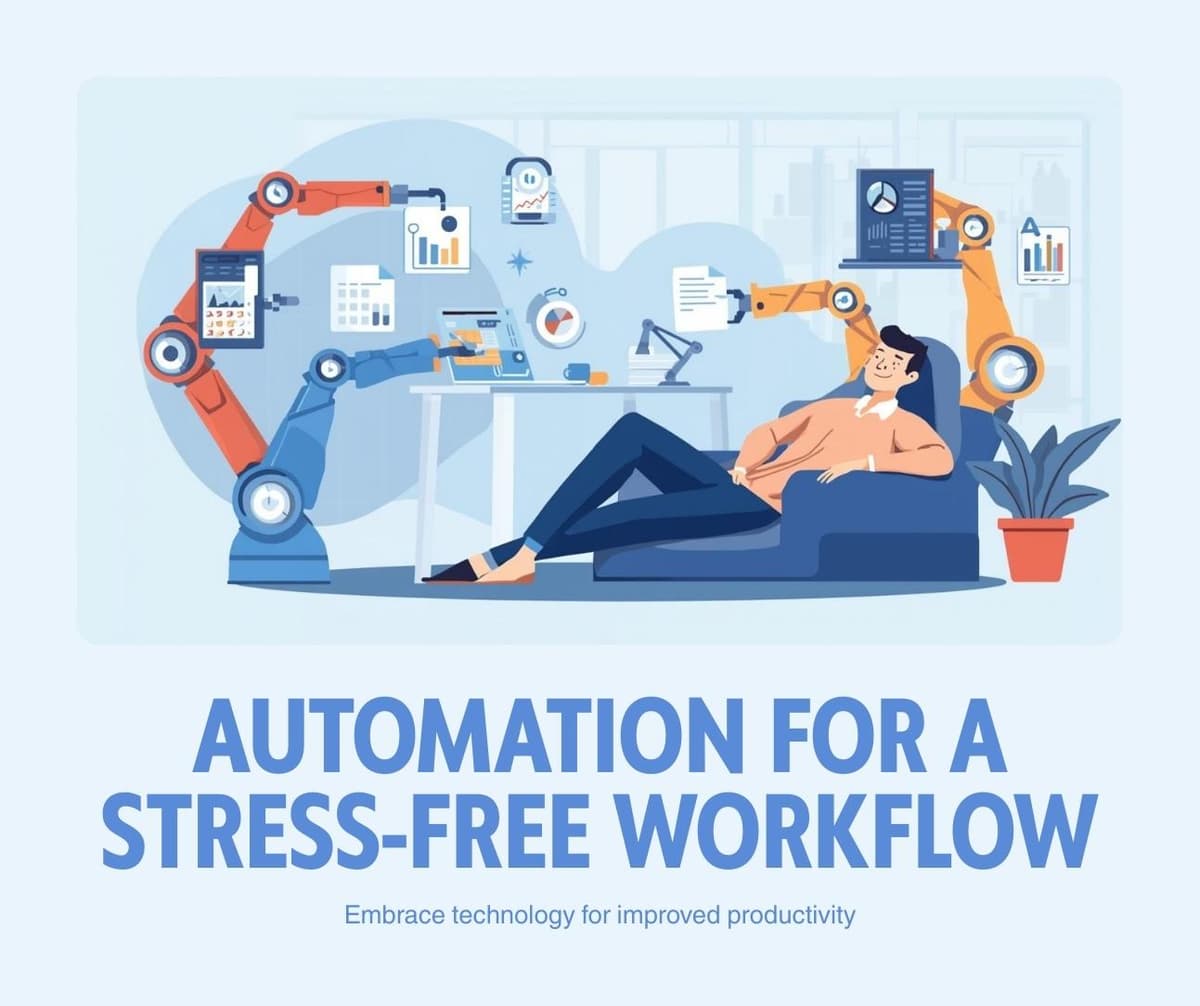
You can save over ten hours every week by using AI to handle email drafting, meeting summaries, content creation, data entry, scheduling, research, social media, document formatting, customer responses, and report generation. Each method takes less than fifteen minutes to set up and delivers immediate results.
The average knowledge worker spends sixty percent of their time on repetitive tasks that AI can handle faster and often better. The strategies below require no technical skills and use free or low-cost tools available right now.
1. Draft All Emails with AI Assistance
Time saved: 3 hours per week.
Instead of staring at blank email windows, describe what you need to communicate and let an AI assistant draft it. Most professionals send between thirty and fifty emails daily. If AI drafts even half of those, you save fifteen to twenty minutes per day.
The technique is simple. Open ChatGPT or Claude, describe the recipient, context, and your main points, then review and send the generated draft. After a few uses, you will develop a workflow that takes under thirty seconds per email. If you're unsure which AI assistant to use, check our comparison of ChatGPT vs Claude vs Gemini to find the best fit for your needs.
Create a saved prompt template for your most common email types: meeting requests, follow-ups, status updates, and thank-you messages. Reuse the template and just swap the specific details each time.
2. Auto-Summarize Every Meeting
Time saved: 2 hours per week.
Recording and manually summarizing meetings wastes significant time. Tools like Otter.ai and Fireflies.ai join your video calls, transcribe everything, and generate structured summaries with action items automatically.
The summary includes who said what, decisions made, and next steps with assigned owners. Share the summary with attendees instead of spending thirty minutes writing notes after each meeting.
3. Batch-Create Social Media Content
Time saved: 1.5 hours per week.
Instead of creating one post at a time, use AI to generate an entire week of social media content in a single session. Provide your content pillars, brand voice, and any specific promotions, then ask the AI to create five to seven posts with captions and hashtag suggestions.
Review and schedule all posts at once using a free scheduling tool like Buffer or the native scheduling features on each platform. This approach condenses five daily tasks into one weekly session.
4. Automate Data Entry and Formatting
Time saved: 1 hour per week.
If you regularly transfer data between spreadsheets, forms, and documents, AI can handle the formatting and organization. Copy raw data into an AI assistant and ask it to structure it into a specific format, clean up inconsistencies, or convert between formats.
For recurring data tasks, set up a Zapier automation that moves data between apps automatically. Common examples include syncing form submissions to spreadsheets, updating CRM records from emails, and consolidating data from multiple sources.
5. Generate First Drafts of All Written Content
Time saved: 1 hour per week.
Blog posts, reports, proposals, and documentation all start faster with an AI-generated first draft. The key insight is that editing a draft is always faster than writing from scratch, even if you rewrite most of it.
Provide the AI with your outline, key points, target audience, and desired length. Use the generated draft as a starting framework, then add your expertise, examples, and personal insights. This approach typically reduces writing time by forty to sixty percent.
6. Instant Research Summaries
Time saved: 45 minutes per week.
When you need to understand a new topic, competitor, or market trend, AI can condense hours of reading into a structured summary. Ask for key findings, statistics, pros and cons, or a comparison table, and get a comprehensive overview in seconds.
Always verify critical facts from the original sources, but use AI summaries as a starting point that dramatically reduces your initial research time.
7. Automated Customer Response Templates
Time saved: 30 minutes per week.
Analyze your most common customer questions and create AI-generated response templates for each one. Store these templates in your email client or helpdesk software. When a common question arrives, select the appropriate template, personalize the specific details, and send.
This reduces response time from five minutes per email to under one minute while maintaining quality and personalization.
8. Smart Scheduling
Time saved: 20 minutes per week.
AI scheduling assistants like Reclaim.ai and Clockwise analyze your calendar, priorities, and energy patterns to automatically schedule focus time, meetings, and breaks. They prevent meeting overload and ensure you have dedicated blocks for deep work.
9. Document Formatting and Conversion
Time saved: 15 minutes per week.
Instead of manually formatting documents, paste your content into an AI tool and ask it to format it as a professional report, proposal, or presentation outline. AI handles consistent heading styles, bullet point formatting, table creation, and section organization instantly.
10. Weekly Report Generation
Time saved: 15 minutes per week.
At the end of each week, paste your task completion notes, key metrics, and any blockers into an AI assistant. Ask it to format a professional weekly status report. The AI structures your raw notes into a clean report with sections for accomplishments, in-progress items, next week priorities, and blockers.
Getting Started Today
Pick the top three methods from this list that match your biggest time drains. Implement one per week over the next three weeks. By the end of the month, you will have reclaimed significant hours that compound into hundreds of hours saved annually.
For more strategies to optimize your daily workflow, explore our guide on the best productivity apps that actually work and learn proven time management methods to structure your day effectively.
Frequently Asked Questions
Do I need to pay for AI tools to save time?
No. The free tiers of ChatGPT, Claude, and Gemini are sufficient for all ten methods described above. Paid tools like Otter.ai and Reclaim.ai offer free plans that cover basic use cases. Browse our AI Prompt Library for ready-to-use prompts that maximize your results with these free tools.
Will using AI make my work seem less authentic?
AI generates the draft. You add the expertise, judgment, and personal touch. The final output is yours. Think of AI as a starting accelerator, not a replacement for your voice and knowledge.
How do I convince my boss to let me use AI at work?
Frame it as a productivity improvement. Track the time you save over two weeks and present the data. Most managers respond positively when they see concrete time savings that translate to higher output.
Related Articles

Best AI Email Marketing Tools to Grow Your List in 2026
February 6, 2026

7 Free AI SEO Tools That Actually Improve Your Rankings
February 6, 2026
7 Best Free AI Writing Tools in 2026: Tested and Ranked
February 6, 2026

Best Free Project Management Tools Compared: 2026 Edition
February 6, 2026